SDRconnect
Latest version: 1.0.9 (15th June 2026)
Information on the WebSocket API (module system): SDRconnect Module System and Examples
SDRconnect is our multiplatform software. Scroll down to download the latest release for your choice of platform. Please make sure to read the information on this page carefully before downloading.
Click here for the SDRconnect “Quick Start” guide (available in multiple languages by pressing “Translate” )
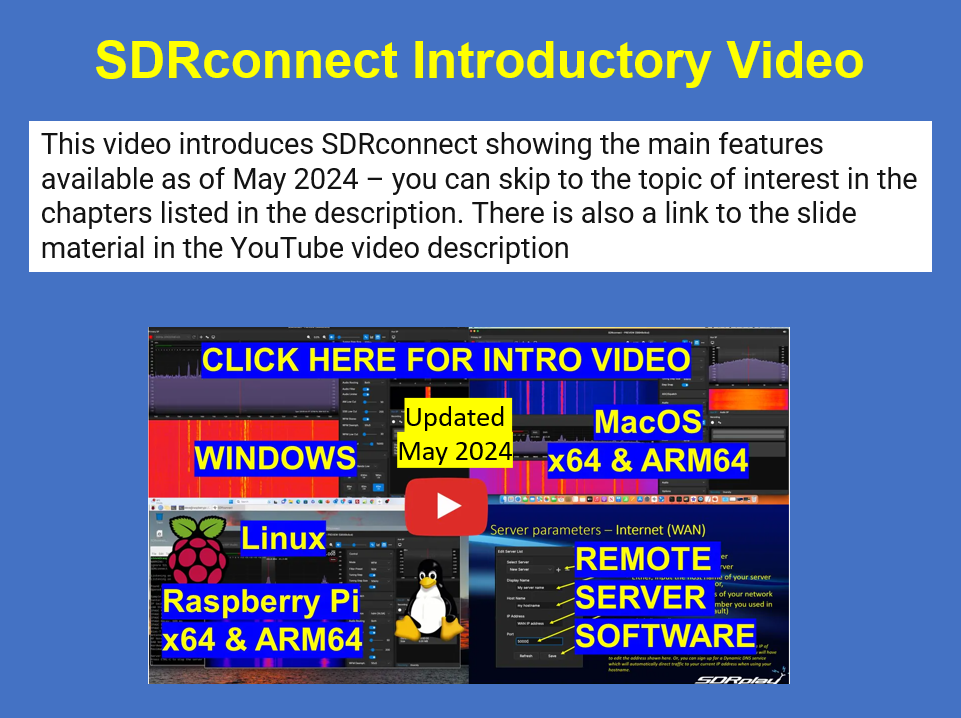
There are links to step-by step video guides for installing and running both the SDR and the server software here: https://www.sdrplay.com/sdrconnectvideoguides/
Current Features:
- New in 2026: WebSocket API for 3rd party integration and application automation (The “module” system)
- Multiple VRXs
- Built in support for all models of RSP except the original RSP1
- Remote server with two streaming modes across both LAN and WAN (internet): a) Full IQ and b) Audio – a streaming mode which provides a very efficient way of displaying a large spectral bandwidth across a network with a limited data throughput.
- RDS decoder
- Profiles support
- Timed recordings
- Calibrated Power meter and S-Meter
- Noise Blankers (wide and narrow)
- Noise Reduction
- Band framing
- HDR mode support for the RSPdx
- Support for RSPduo Single and Dual Tuner mode (two tuners) within a single instance of SDRconnect
- Manual Diversity Control for the RSPduo
- Headless server command line options
- SNR Measurement
- Support for un-docking and re-docking of panels
- Saving and reloading of settings
- Ability to allocate the Aux SP to different tuners in Dual Tuner mode for the RSPduo and for additional VRXs
- Direct frequency input
- IARU region-specific band buttons
- Tabulated frequency module to store and manage frequencies
- Audio recording pre-roll
- MPX view of WFM signals
- Spectrum peak hold with decay in the Audio SP view
- IQ recording (64-bit support in a single file)
- IQ playback as a device
- Asymmetrical filter editing in the Aux spectrum
- Notch filters in the Aux spectrum
- Configurable Audio AGC
- PPM correction and configuration
- Custom filter presets
- Diversity support over the network via server (requires RSPduo)
- MP3 Audio recording support
Rig control support
– Omni-Rig (Windows only)
– HamLib
• Waterfall gradient preview
• Show ticks on the RF gain slider
• Slider to change noise reduction strength
• Option to enable NFM deemphasis
• Option to display spectrum frequency markers in relevant unit
• Option to enable hold with decay on main spectrum
- Other changes and bug fixes, for a full list you can find the release notes. here:
https://www.sdrplay.com/docs/SDRconnect_Release_Notes.pdf
Future Releases:
SDRconnect consist of two parts, the core engine and the module (Websocket API) system.
Work is focussed on enhancements to the WebSocket API, and easier access to more 3rd party decoders. We have already migrated some of the SDRplay-developed SDRuno plugins. Migrating the scanning feature of SDRuno is also a priority. Meanwhile some 3rd party scanners for SDRconnect are available in the community
For the nRSP-ST networked receiver, the built-in web server currently provides remote access through any internet-connected device with a web browser, such as a phone or tablet, including Safari on iPhone and iPad. We are also developing iOS and Android apps to further improve the user experience.
System Requirements:
SDRconnect runs on the following architectures:
x64, ARM64 (including Apple Silicon)
Please NOTE. SDRconnect is a 64-bit application and will NOT run on 32-bit operating systems.
Supported Operating systems:
Windows – 10, 11 and later – 64-bit only. Note SDRconnect will NOT run on anything earlier than Windows 10, so please don’t ask for Windows 8/7/XP etc. It is not possible to compile for these older operating systems with the tools used for the development of SDRconnect.
Linux x64 – Canonical Ubuntu 22.04LTS and later LTS releases *
Linux ARM64 (aarch64) – Raspberry Pi OS (64bit) – Bullseye derived (we recommend the Raspberry Pi 4B or better)
MacOS x64 – 10.15 (Catalina) and onwards
MacOS ARM64 (Apple Silicon) – 13.0 (Ventura) and onwards
* You may well find that SDRconnect will install and run on other distributions of Linux, these are just the supported ones.
SDRconnect and SDRuno are able to co-exist on the same OS – Please note: This requires the latest version of SDRuno to be installed.
SDRuno plugins will not work with SDRconnect, but we are porting the SDRplay developed SDRuno plugins so that they will be made available for use with SDRconnect as modules. The module interface has now been published so that third party developers can also port their SDRuno plugins to SDRconnect modules. We have no control over whether they will choose to do so, so please contact the plugin developers about this.
When updating to the latest version of SDRconnect, you must update both client AND server.
Support:
Release notes for all versions of SDRconnect can be found here (https://www.sdrplay.com/docs/SDRconnect_Release_Notes.pdf)
Support for SDRconnect and the Module (WebSocket API) software is via our TICKET SYSTEM. Our support resources are unable to help with 3rd party apps-specific support for new modules. We can support developers when it comes to ensuring we have a stable WebSocket API and we can answer related questions. The community remains the best place for help when it comes to seeing how others are using the WebSocket API for their own applications. https://www.sdrplay.com/communitylinks/
Feedback:
We welcome feedback via email. We read all emails, but are unable to reply to suggestions for features or improvements on a one-to-one basis. Please email: feedback@sdrplay.com
The nRSP-ST tools and Rig Control are now all included in the same software download.
See here for full Linux (both x86 and ARM64) installation instructions.